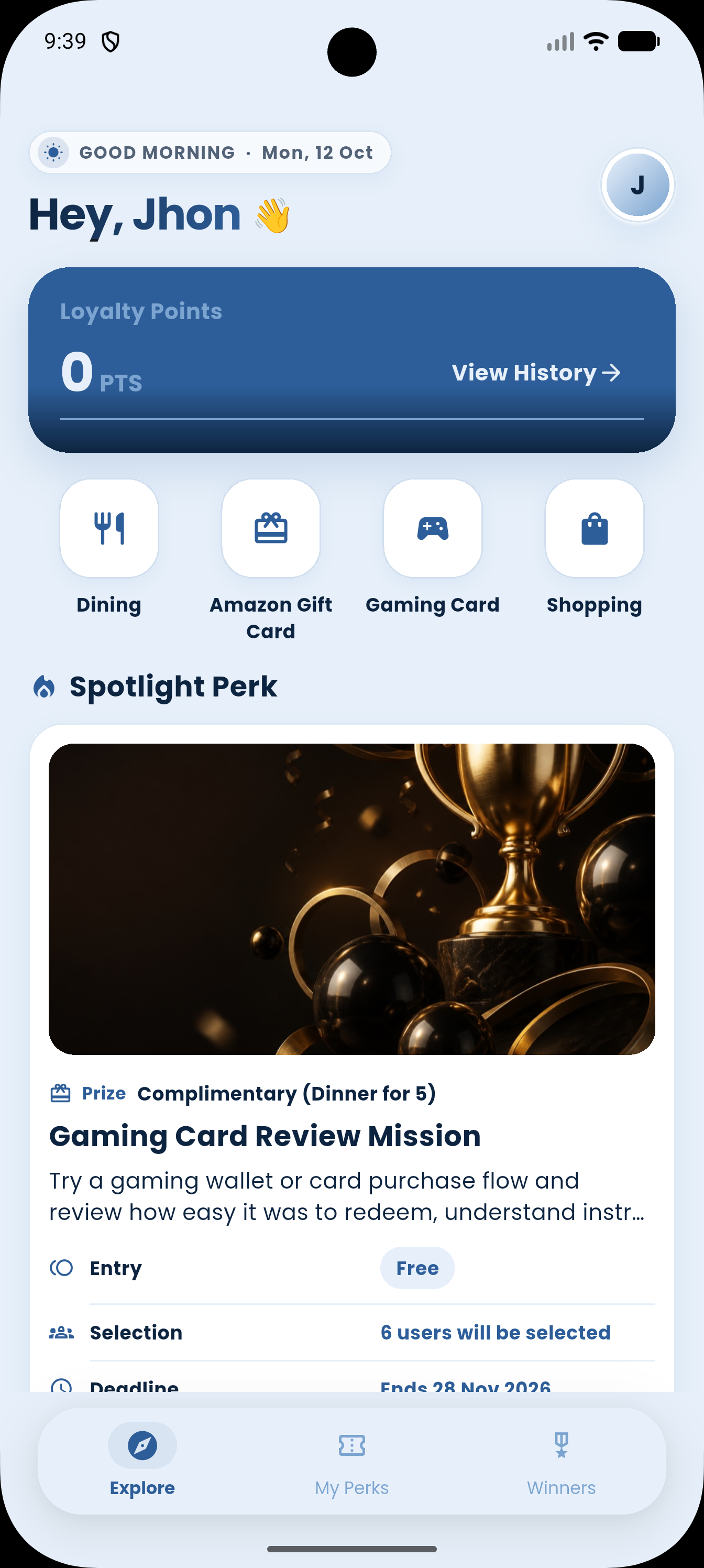
Find a perk
Browse the app and find available perks created by the PerkSphere admin.
 PerkSphere
How It Works
Browse the app and find available perks created by the PerkSphere admin.
Each perk has a featured video. Watch it before you apply.
Take a screenshot of the featured video for that perk.
Apply for the perk and submit the screenshot with your application.
Wait until the announcement date, when the admin selects a group of users.
PerkSphere invites selected users for dinner, where they eat and give an honest review.
Why PerkSphere
The PerkSphere admin creates the restaurant opportunities available in the app.
Users watch the featured video, take a screenshot, and submit it with the application.
Selected users are invited for dinner and give their honest review after eating.
FAQ
Find an available perk, watch its featured video, take a screenshot, and submit the screenshot with your application.
The app flow asks users to take a screenshot of the featured video and submit it with the perk application.
Users wait for the announcement date. On that date, the admin selects a group of users.
On the announcement date, the PerkSphere admin selects a group of users.
PerkSphere invites selected users for dinner. The users eat dinner and give their honest review.